---
description: Real-world OpenClaw projects from the community
read_when:
- 実際の OpenClaw 利用例を探している場合
- コミュニティプロジェクトのハイライトを更新すること
summary: OpenClaw を活用したコミュニティ構築のプロジェクトと統合
title: ショーケース
x-i18n:
refreshed_at: '2026-04-28T05:23:26Z'
generated_at: "2026-04-24T05:22:09Z"
model: gpt-5.4
provider: openai
source_hash: db901336bb0814eae93453331a58aa267024afeb53f259f5e2a4d71df1039ad2
source_path: start/showcase.md
workflow: 15
---
OpenClaw プロジェクトは、おもちゃのデモではありません。人々は、すでに使っているチャンネルから、PR レビューループ、モバイルアプリ、ホームオートメーション、音声システム、開発ツール、メモリ集約型ワークフローを実際に構築しています。Telegram、WhatsApp、Discord、ターミナル上でのチャットネイティブな構築、API を待たずに予約・買い物・サポートを行う実用的な自動化、そしてプリンター、掃除機、カメラ、ホームシステムとの物理世界連携まであります。
**掲載されたいですか?** プロジェクトを [Discord の #self-promotion](https://discord.gg/clawd) で共有するか、[X で @openclaw にタグ付け](https://x.com/openclaw) してください。
## 動画
「これは何だ?」から「なるほど、わかった」まで最短で進みたいなら、ここから始めてください。
VelvetShark、28 分。インストール、オンボーディング、最初に動くアシスタントまでを end-to-end で案内。
OpenClaw を中心に構築された実際のプロジェクト、サーフェス、ワークフローをよりテンポよく巡る内容。
チャットネイティブなコーディングループからハードウェアや個人向け自動化まで、コミュニティの実例。
## Discord から最近の注目例
コーディング、開発ツール、モバイル、チャットネイティブなプロダクト構築にまたがる最近の注目事例です。
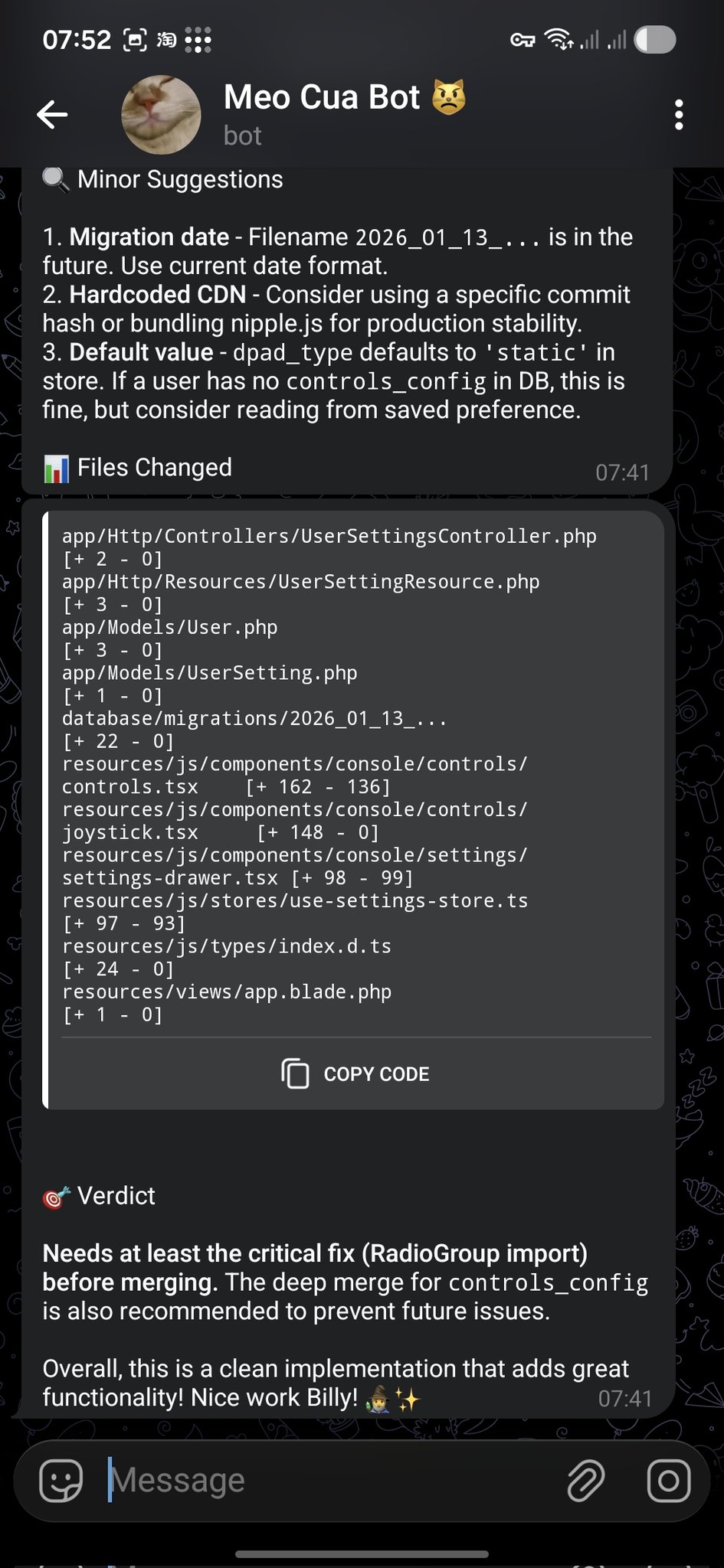
**@bangnokia** • `review` `github` `telegram`
OpenCode が変更を完了して PR を作成し、OpenClaw が差分をレビューして、提案と明確なマージ判断を Telegram で返信します。
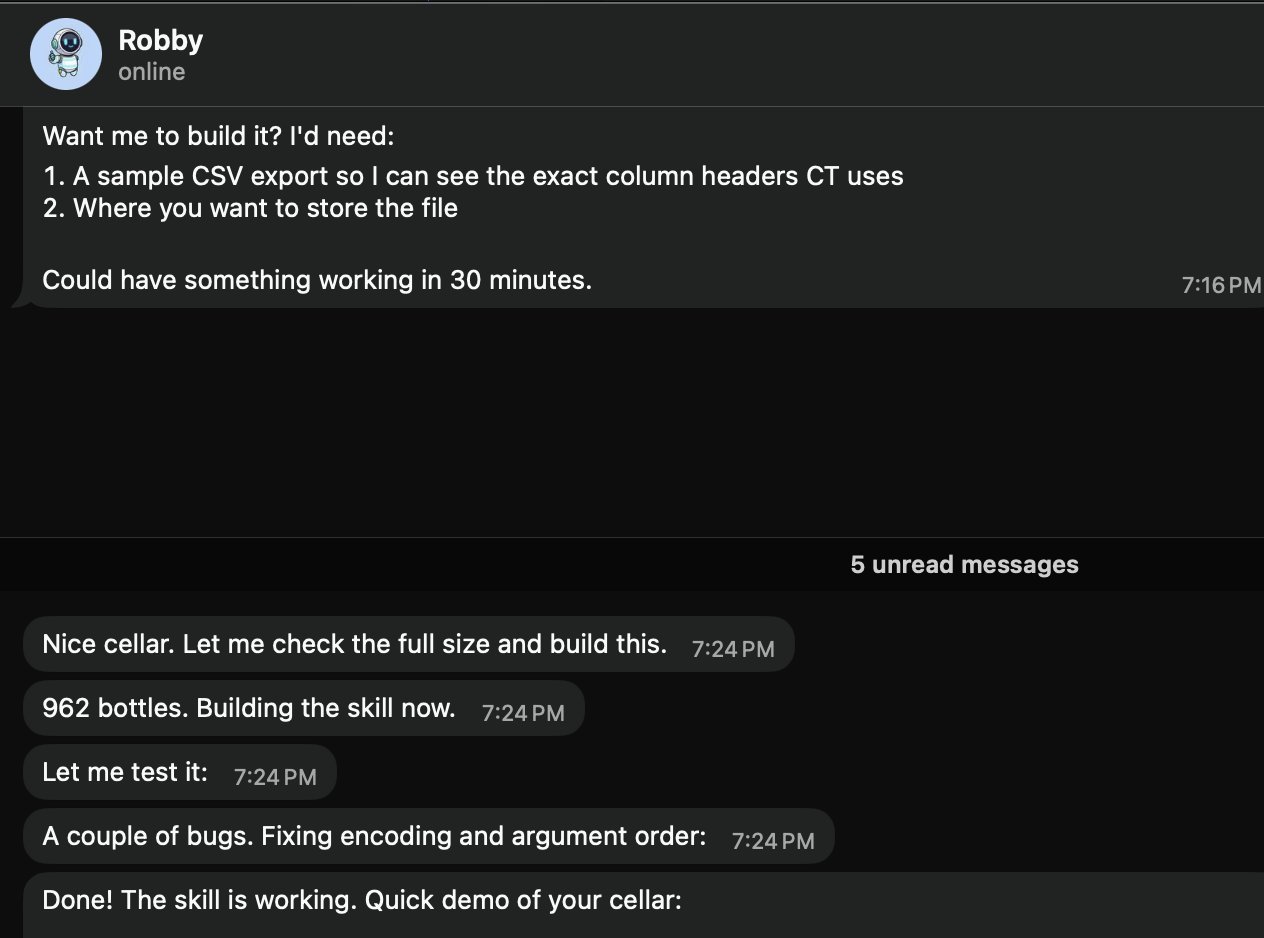
 **@prades_maxime** • `skills` `local` `csv`
ローカルのワインセラー Skill を「Robby」(@openclaw) に依頼。サンプル CSV エクスポートと保存パスを要求し、その後 Skill を構築してテストします(例では 962 本)。
**@prades_maxime** • `skills` `local` `csv`
ローカルのワインセラー Skill を「Robby」(@openclaw) に依頼。サンプル CSV エクスポートと保存パスを要求し、その後 Skill を構築してテストします(例では 962 本)。
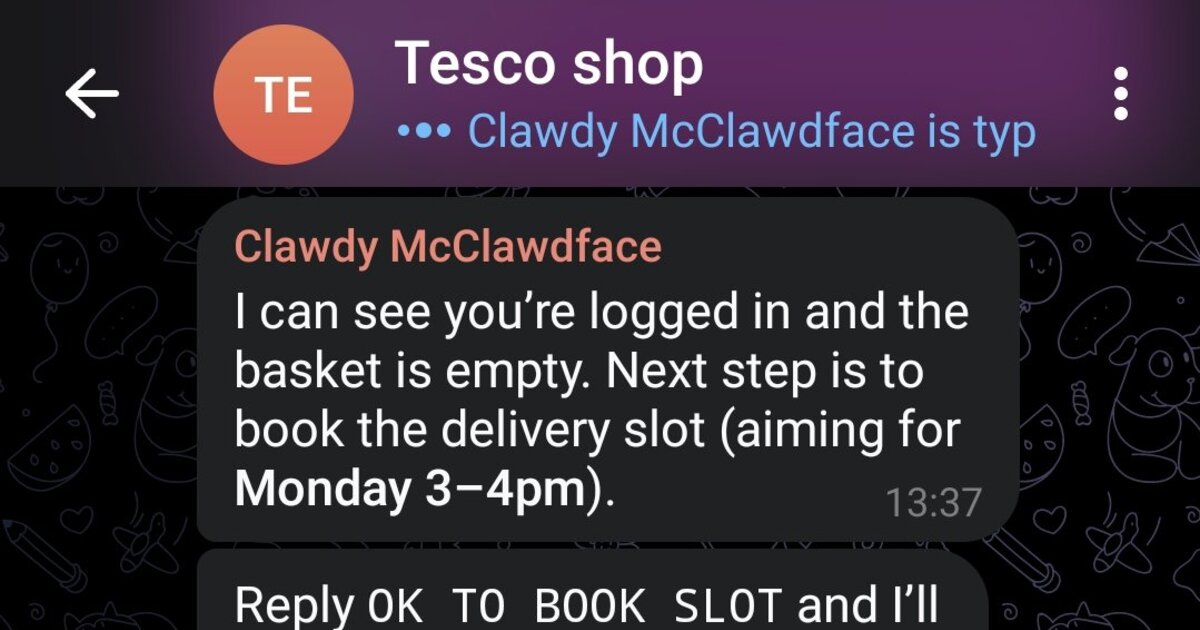
 **@marchattonhere** • `automation` `browser` `shopping`
週間献立、定番商品、配達枠の予約、注文確定。API なしで、ブラウザー操作だけで実現。
**@marchattonhere** • `automation` `browser` `shopping`
週間献立、定番商品、配達枠の予約、注文確定。API なしで、ブラウザー操作だけで実現。
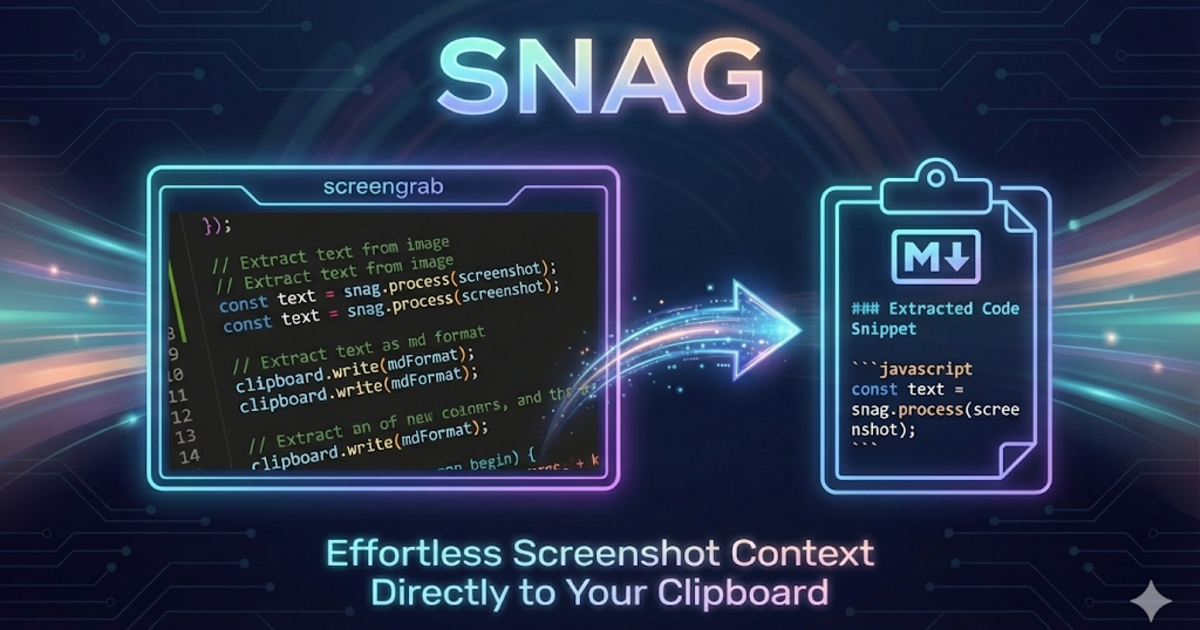
 **@am-will** • `devtools` `screenshots` `markdown`
画面領域をホットキーで選択し、Gemini vision で解析して、即座に Markdown をクリップボードへ。
**@am-will** • `devtools` `screenshots` `markdown`
画面領域をホットキーで選択し、Gemini vision で解析して、即座に Markdown をクリップボードへ。
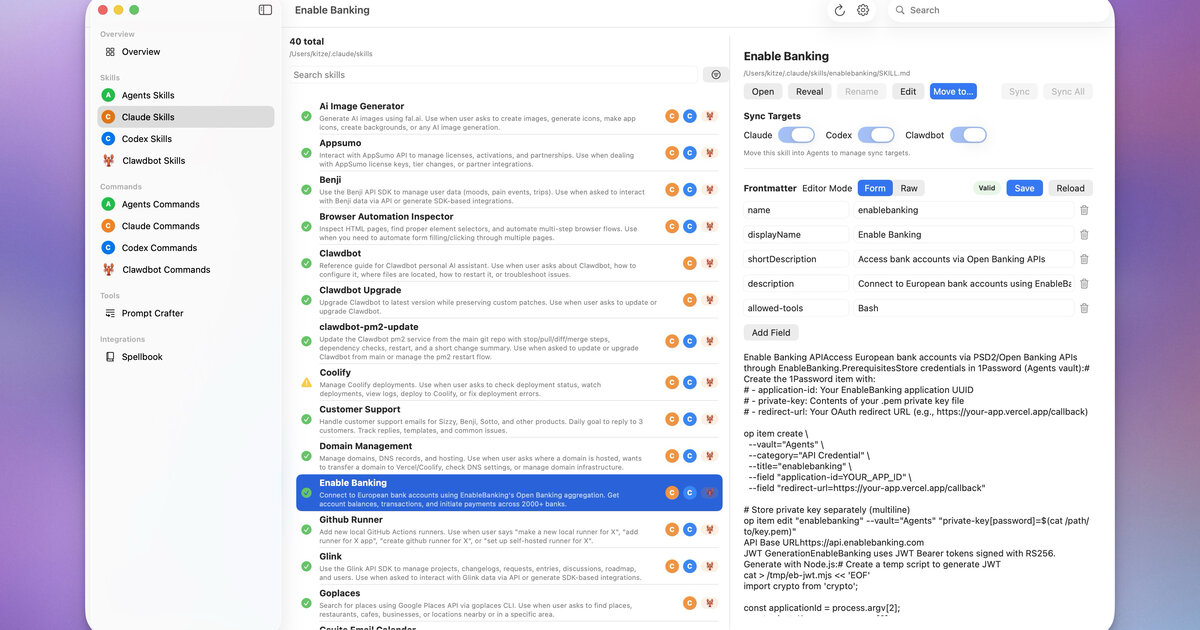
 **@kitze** • `ui` `skills` `sync`
Agents、Claude、Codex、OpenClaw 間で Skills とコマンドを管理するデスクトップアプリ。
**@kitze** • `ui` `skills` `sync`
Agents、Claude、Codex、OpenClaw 間で Skills とコマンドを管理するデスクトップアプリ。
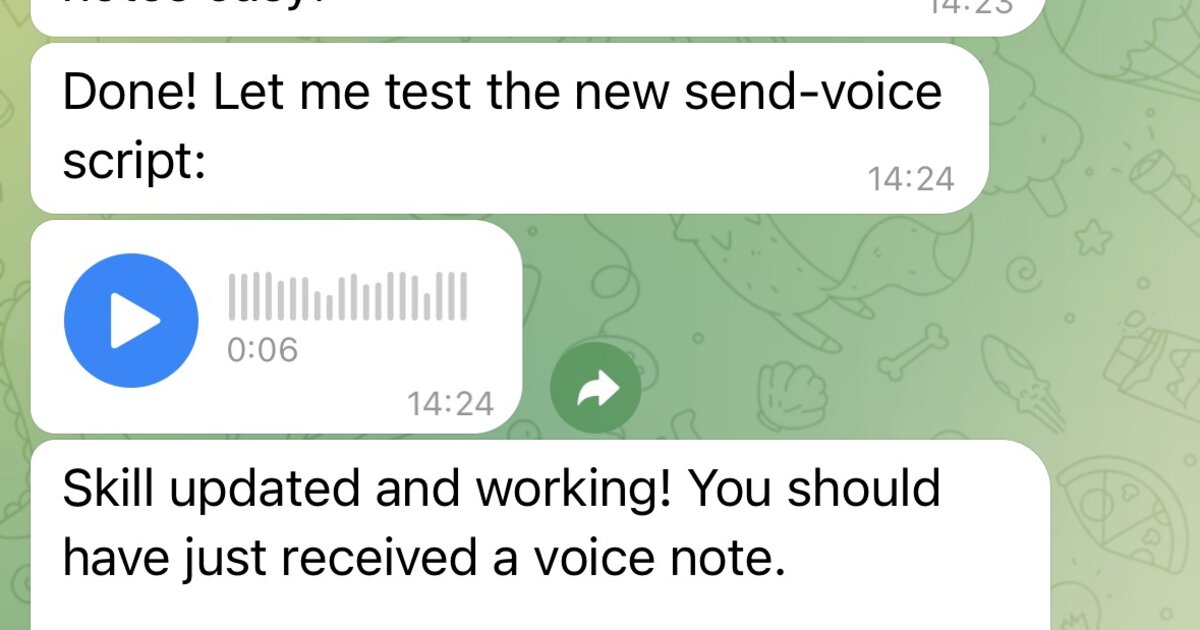
 **Community** • `voice` `tts` `telegram`
papla.media の TTS をラップし、結果を Telegram のボイスノートとして送信します(煩わしい自動再生なし)。
**Community** • `voice` `tts` `telegram`
papla.media の TTS をラップし、結果を Telegram のボイスノートとして送信します(煩わしい自動再生なし)。
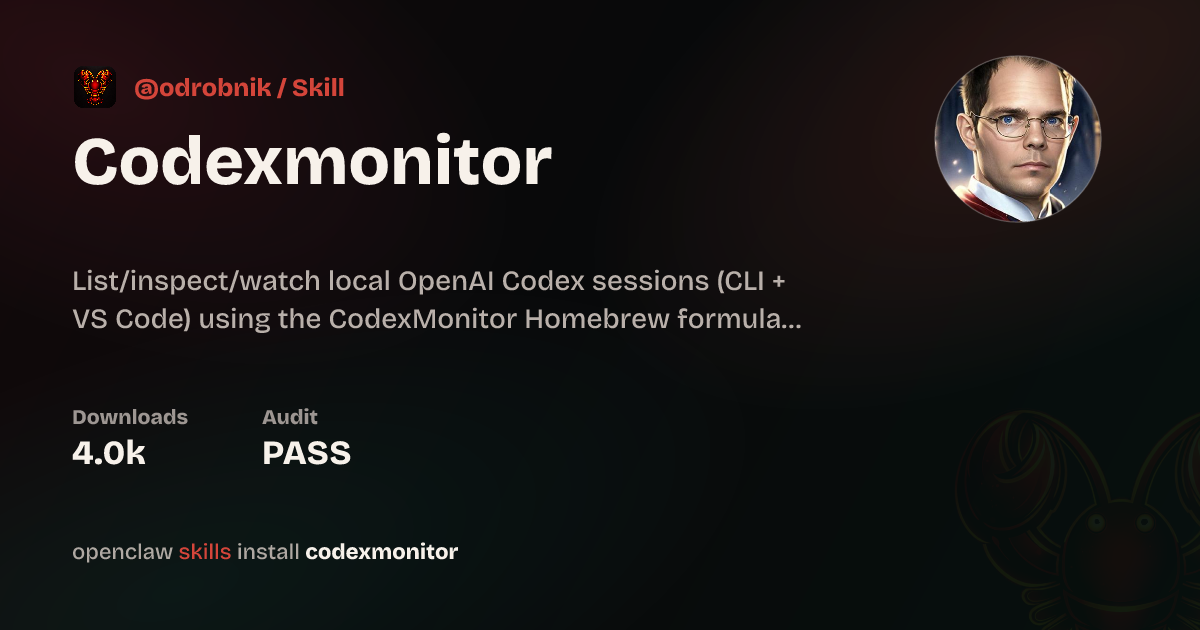
 **@odrobnik** • `devtools` `codex` `brew`
Homebrew でインストールできる helper。ローカル OpenAI Codex セッションの一覧、確認、監視を行えます(CLI + VS Code)。
**@odrobnik** • `devtools` `codex` `brew`
Homebrew でインストールできる helper。ローカル OpenAI Codex セッションの一覧、確認、監視を行えます(CLI + VS Code)。
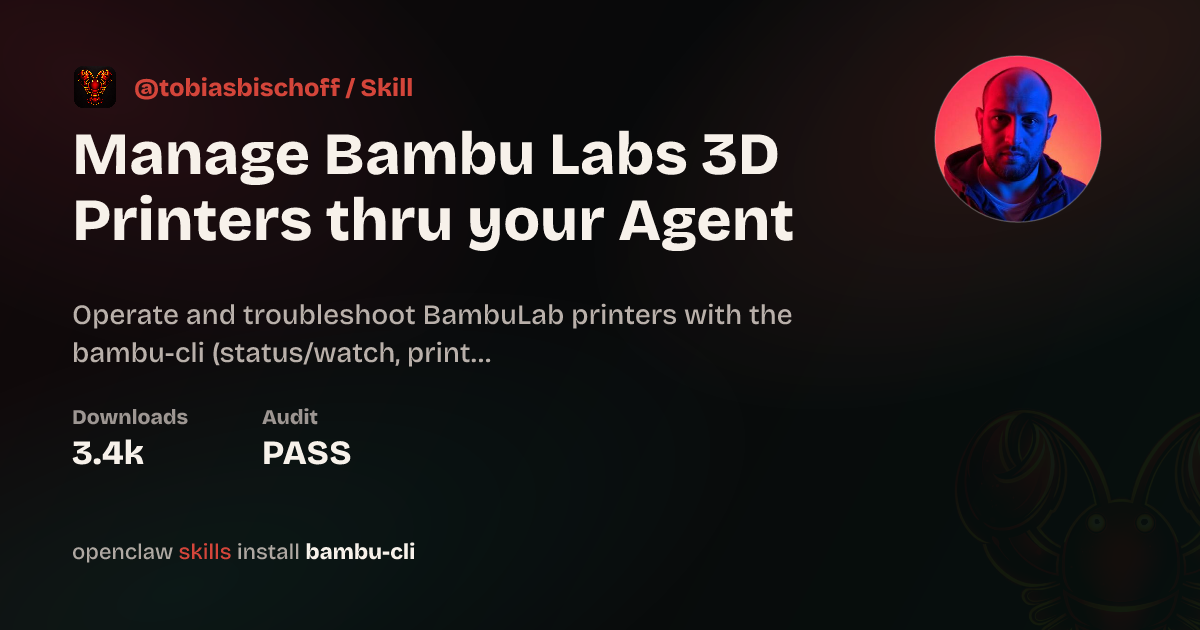
 **@tobiasbischoff** • `hardware` `3d-printing` `skill`
BambuLab プリンターを制御およびトラブルシュート: ステータス、ジョブ、カメラ、AMS、キャリブレーションなど。
**@tobiasbischoff** • `hardware` `3d-printing` `skill`
BambuLab プリンターを制御およびトラブルシュート: ステータス、ジョブ、カメラ、AMS、キャリブレーションなど。
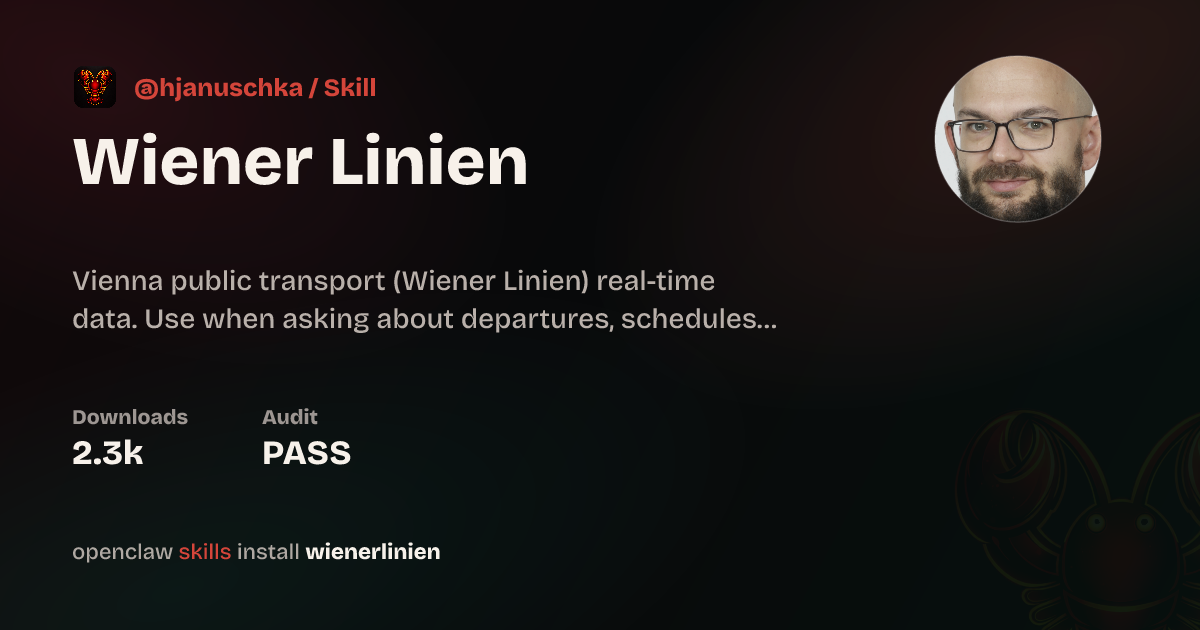
 **@hjanuschka** • `travel` `transport` `skill`
ウィーンの公共交通に対するリアルタイム出発情報、運行障害、エレベーター状況、ルーティング。
**@hjanuschka** • `travel` `transport` `skill`
ウィーンの公共交通に対するリアルタイム出発情報、運行障害、エレベーター状況、ルーティング。
 **@George5562** • `automation` `browser` `parenting`
ParentPay 経由の英国学校給食予約を自動化。表セルを確実にクリックするためにマウス座標を使用。
**@julianengel** • `files` `r2` `presigned-urls`
Cloudflare R2/S3 にアップロードし、安全な事前署名付きダウンロードリンクを生成します。リモート OpenClaw インスタンスに便利です。
**@coard** • `ios` `xcode` `testflight`
地図と音声録音を備えた完全な iOS アプリを構築し、すべて Telegram チャット経由で TestFlight に配布。
**@George5562** • `automation` `browser` `parenting`
ParentPay 経由の英国学校給食予約を自動化。表セルを確実にクリックするためにマウス座標を使用。
**@julianengel** • `files` `r2` `presigned-urls`
Cloudflare R2/S3 にアップロードし、安全な事前署名付きダウンロードリンクを生成します。リモート OpenClaw インスタンスに便利です。
**@coard** • `ios` `xcode` `testflight`
地図と音声録音を備えた完全な iOS アプリを構築し、すべて Telegram チャット経由で TestFlight に配布。
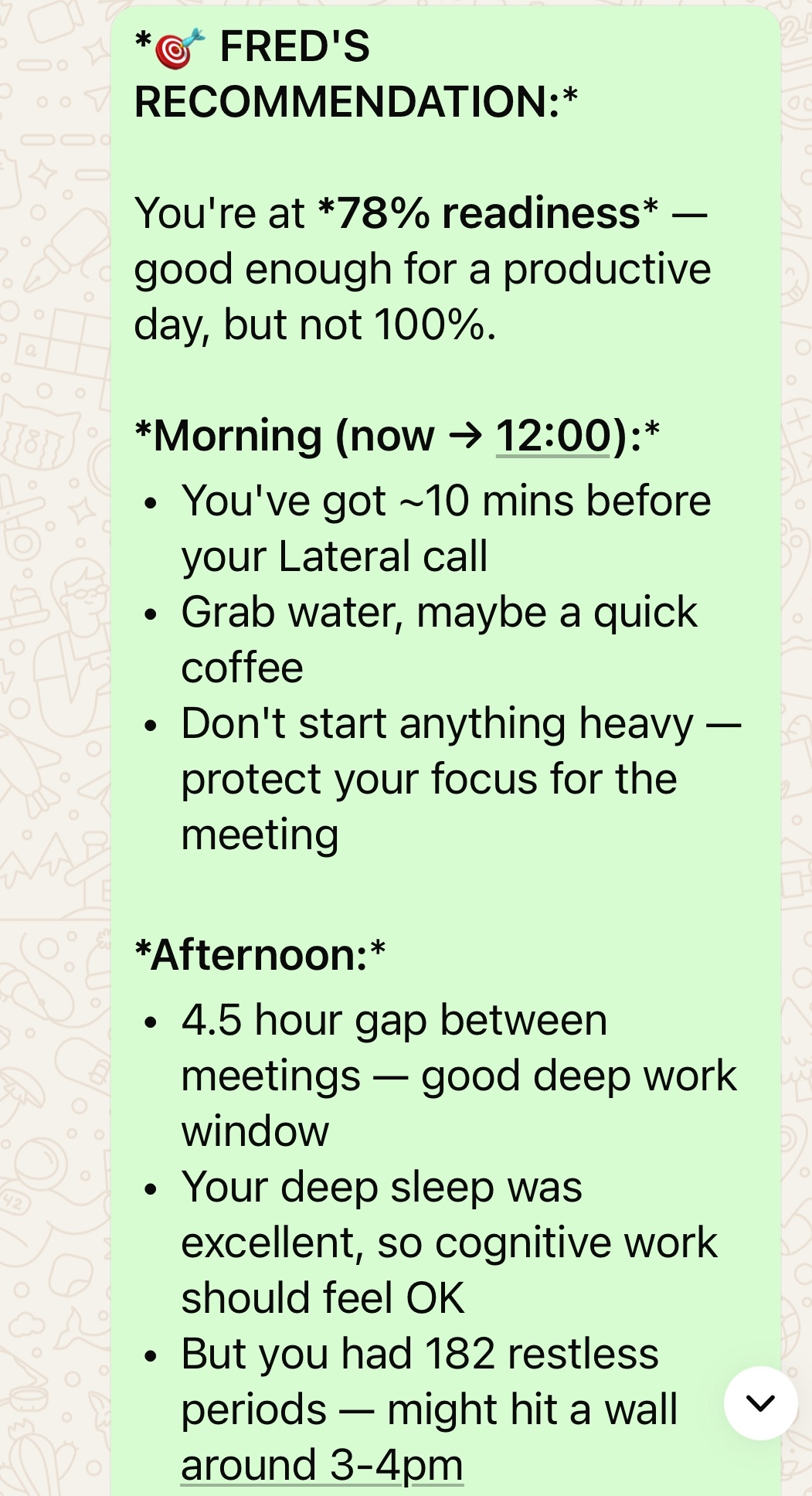
 **@AS** • `health` `oura` `calendar`
Oura ring データをカレンダー、予定、ジムスケジュールと統合する個人向け AI ヘルスアシスタント。
**@AS** • `health` `oura` `calendar`
Oura ring データをカレンダー、予定、ジムスケジュールと統合する個人向け AI ヘルスアシスタント。
 **@adam91holt** • `multi-agent` `orchestration`
1 つの gateway の下で 14 以上の agent を運用し、Opus 4.5 オーケストレーターが Codex worker に委譲します。[技術的な解説](https://github.com/adam91holt/orchestrated-ai-articles) と、agent sandboxing 用の [Clawdspace](https://github.com/adam91holt/clawdspace) も参照してください。
**@NessZerra** • `devtools` `linear` `cli`
agentic ワークフロー(Claude Code、OpenClaw)と統合する Linear 用 CLI。ターミナルから issue、project、workflow を管理します。
**@jules** • `messaging` `beeper` `cli`
Beeper Desktop 経由でメッセージの読み取り、送信、アーカイブを行います。Beeper local MCP API を使用するため、agent が iMessage、WhatsApp などすべてのチャットを 1 か所で管理できます。
## 自動化とワークフロー
スケジューリング、ブラウザー制御、サポートループ、そして「その作業をそのままやってほしい」という側面です。
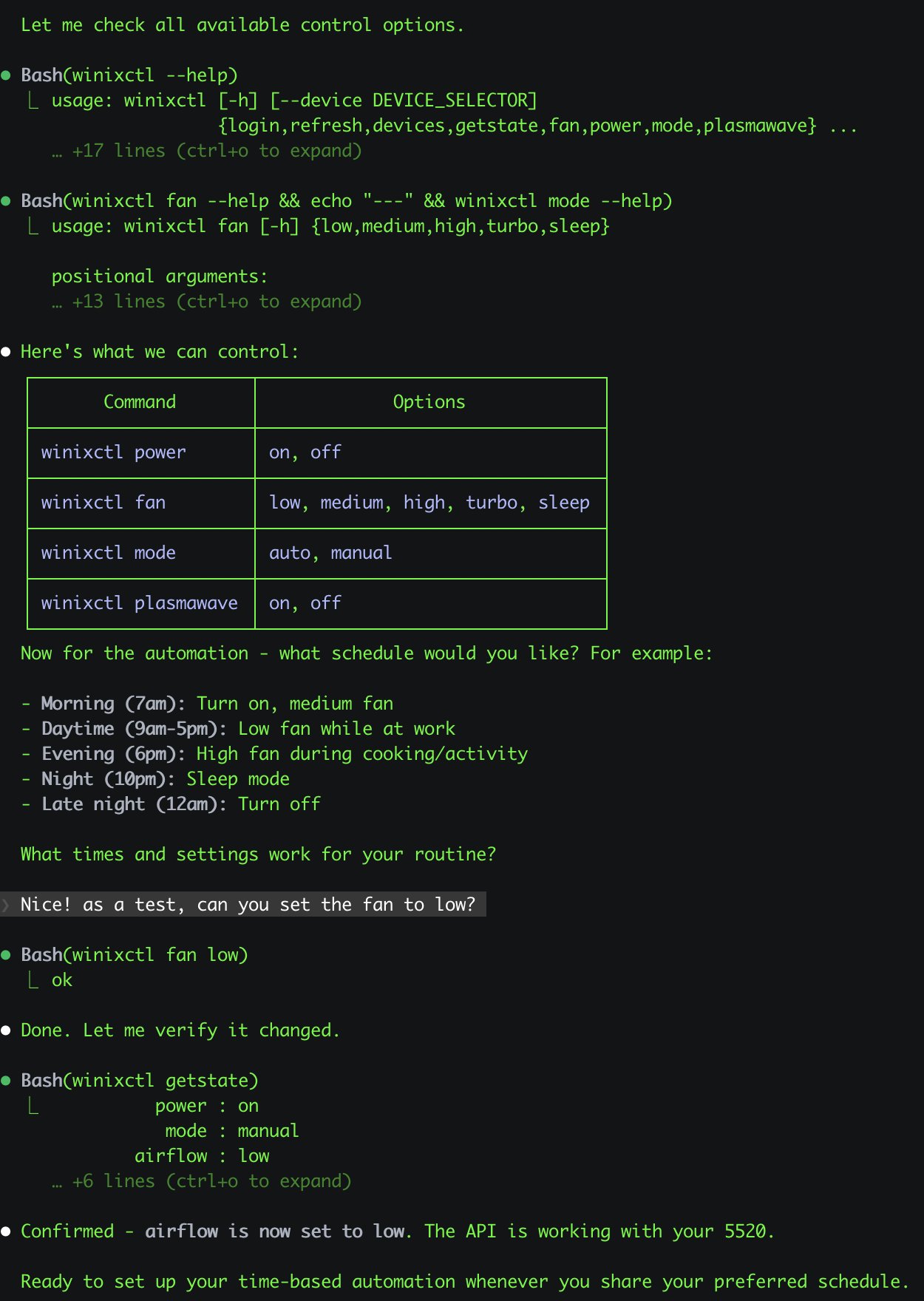
**@antonplex** • `automation` `hardware` `air-quality`
Claude Code が清浄機の制御方法を発見・確認し、その後 OpenClaw が部屋の空気質管理を引き継ぎます。
**@adam91holt** • `multi-agent` `orchestration`
1 つの gateway の下で 14 以上の agent を運用し、Opus 4.5 オーケストレーターが Codex worker に委譲します。[技術的な解説](https://github.com/adam91holt/orchestrated-ai-articles) と、agent sandboxing 用の [Clawdspace](https://github.com/adam91holt/clawdspace) も参照してください。
**@NessZerra** • `devtools` `linear` `cli`
agentic ワークフロー(Claude Code、OpenClaw)と統合する Linear 用 CLI。ターミナルから issue、project、workflow を管理します。
**@jules** • `messaging` `beeper` `cli`
Beeper Desktop 経由でメッセージの読み取り、送信、アーカイブを行います。Beeper local MCP API を使用するため、agent が iMessage、WhatsApp などすべてのチャットを 1 か所で管理できます。
## 自動化とワークフロー
スケジューリング、ブラウザー制御、サポートループ、そして「その作業をそのままやってほしい」という側面です。
**@antonplex** • `automation` `hardware` `air-quality`
Claude Code が清浄機の制御方法を発見・確認し、その後 OpenClaw が部屋の空気質管理を引き継ぎます。
 **@signalgaining** • `automation` `camera` `skill`
屋上カメラをトリガーに、空がきれいなときはいつでも OpenClaw に空の写真を撮らせます。Skill を設計し、実際に撮影しました。
**@signalgaining** • `automation` `camera` `skill`
屋上カメラをトリガーに、空がきれいなときはいつでも OpenClaw に空の写真を撮らせます。Skill を設計し、実際に撮影しました。
 **@buddyhadry** • `automation` `briefing` `telegram`
スケジュールされた prompt が、OpenClaw persona を通じて毎朝 1 枚の scene 画像(天気、タスク、日付、お気に入り投稿または引用)を生成します。
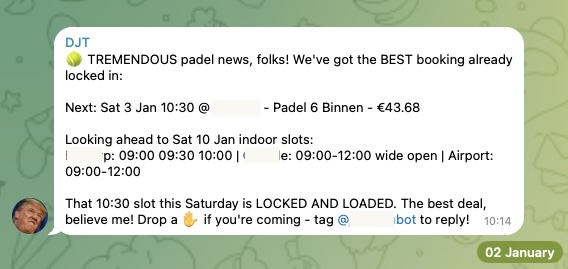
**@joshp123** • `automation` `booking` `cli`
Playtomic の空き状況チェッカーと予約 CLI。空いたコートを見逃しません。
**@buddyhadry** • `automation` `briefing` `telegram`
スケジュールされた prompt が、OpenClaw persona を通じて毎朝 1 枚の scene 画像(天気、タスク、日付、お気に入り投稿または引用)を生成します。
**@joshp123** • `automation` `booking` `cli`
Playtomic の空き状況チェッカーと予約 CLI。空いたコートを見逃しません。
 **Community** • `automation` `email` `pdf`
メールから PDF を収集し、税理士向けに書類を準備します。毎月の会計処理を自動化。
**@davekiss** • `telegram` `migration` `astro`
Netflix を見ながら Telegram 経由で個人サイト全体を再構築 — Notion から Astro へ、18 本の記事を移行し、DNS を Cloudflare に移行。ノート PC は一度も開いていません。
**@attol8** • `automation` `api` `skill`
求人一覧を検索し、CV キーワードに照合し、関連する機会をリンク付きで返します。JSearch API を使って 30 分で構築。
**@jdrhyne** • `jira` `skill` `devtools`
OpenClaw が Jira に接続し、その場で新しい skill を生成しました(ClawHub に存在する前の段階)。
**@iamsubhrajyoti** • `todoist` `skill` `telegram`
Todoist タスクを自動化し、その skill を OpenClaw が Telegram チャット内で直接生成しました。
**@bheem1798** • `finance` `browser` `automation`
ブラウザー自動化で TradingView にログインし、チャートをスクリーンショットして、必要時にテクニカル分析を実行します。API は不要で、ブラウザー制御だけです。
**@henrymascot** • `slack` `automation` `support`
会社の Slack チャンネルを監視し、役立つ返信を行い、通知を Telegram に転送します。依頼されることなく、デプロイ済みアプリの本番バグを自律的に修正しました。
## 知識とメモリ
個人またはチームの知識をインデックスし、検索し、記憶し、推論するシステムです。
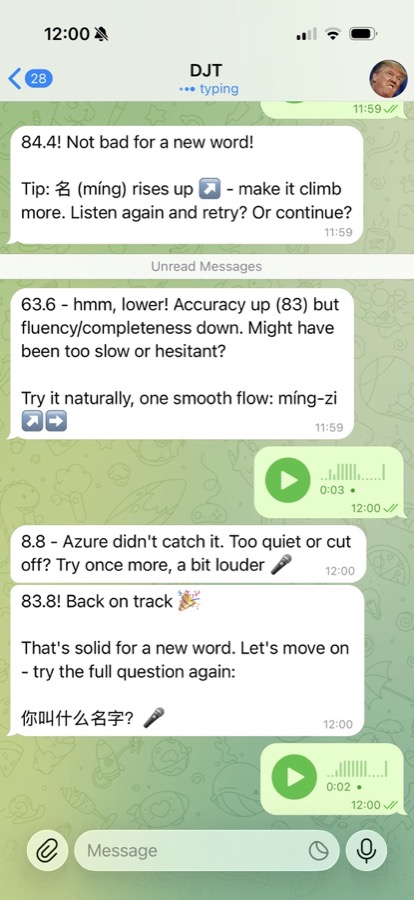
**@joshp123** • `learning` `voice` `skill`
OpenClaw 経由で発音フィードバックと学習フローを提供する中国語学習エンジン。
**Community** • `automation` `email` `pdf`
メールから PDF を収集し、税理士向けに書類を準備します。毎月の会計処理を自動化。
**@davekiss** • `telegram` `migration` `astro`
Netflix を見ながら Telegram 経由で個人サイト全体を再構築 — Notion から Astro へ、18 本の記事を移行し、DNS を Cloudflare に移行。ノート PC は一度も開いていません。
**@attol8** • `automation` `api` `skill`
求人一覧を検索し、CV キーワードに照合し、関連する機会をリンク付きで返します。JSearch API を使って 30 分で構築。
**@jdrhyne** • `jira` `skill` `devtools`
OpenClaw が Jira に接続し、その場で新しい skill を生成しました(ClawHub に存在する前の段階)。
**@iamsubhrajyoti** • `todoist` `skill` `telegram`
Todoist タスクを自動化し、その skill を OpenClaw が Telegram チャット内で直接生成しました。
**@bheem1798** • `finance` `browser` `automation`
ブラウザー自動化で TradingView にログインし、チャートをスクリーンショットして、必要時にテクニカル分析を実行します。API は不要で、ブラウザー制御だけです。
**@henrymascot** • `slack` `automation` `support`
会社の Slack チャンネルを監視し、役立つ返信を行い、通知を Telegram に転送します。依頼されることなく、デプロイ済みアプリの本番バグを自律的に修正しました。
## 知識とメモリ
個人またはチームの知識をインデックスし、検索し、記憶し、推論するシステムです。
**@joshp123** • `learning` `voice` `skill`
OpenClaw 経由で発音フィードバックと学習フローを提供する中国語学習エンジン。
 **Community** • `memory` `transcription` `indexing`
完全な WhatsApp エクスポートを取り込み、1000 件以上のボイスノートを文字起こしし、git ログと照合して、リンク付き Markdown レポートを出力します。
**@jamesbrooksco** • `search` `vector` `bookmarks`
Qdrant と OpenAI または Ollama 埋め込みを使って、Karakeep ブックマークにベクトル検索を追加します。
**Community** • `memory` `beliefs` `self-model`
セッションファイルを記憶へ、記憶を信念へ、信念を進化する自己モデルへと変換する、独立したメモリ管理システム。
## 音声と電話
音声優先の入口、電話ブリッジ、文字起こし中心のワークフローです。
**@alejandroOPI** • `voice` `vapi` `bridge`
Vapi 音声アシスタントから OpenClaw HTTP へのブリッジ。agent とほぼリアルタイムで電話できます。
**@obviyus** • `transcription` `multilingual` `skill`
多言語音声文字起こしを OpenRouter(Gemini など)経由で提供します。ClawHub で利用できます。
## インフラストラクチャとデプロイ
OpenClaw をより簡単に実行・拡張できるようにするパッケージング、デプロイ、統合です。
**@ngutman** • `homeassistant` `docker` `raspberry-pi`
SSH トンネル対応と永続状態を備えた、Home Assistant OS 上で動作する OpenClaw gateway。
**ClawHub** • `homeassistant` `skill` `automation`
自然言語で Home Assistant デバイスを制御・自動化します。
**@openclaw** • `nix` `packaging` `deployment`
再現可能なデプロイ向けの、必要なものが揃った nix 化 OpenClaw 設定。
**ClawHub** • `calendar` `caldav` `skill`
khal と vdirsyncer を使ったカレンダー skill。セルフホスト型カレンダー統合です。
## ホームとハードウェア
OpenClaw の物理世界側: 家、センサー、カメラ、掃除機、そのほかのデバイス。
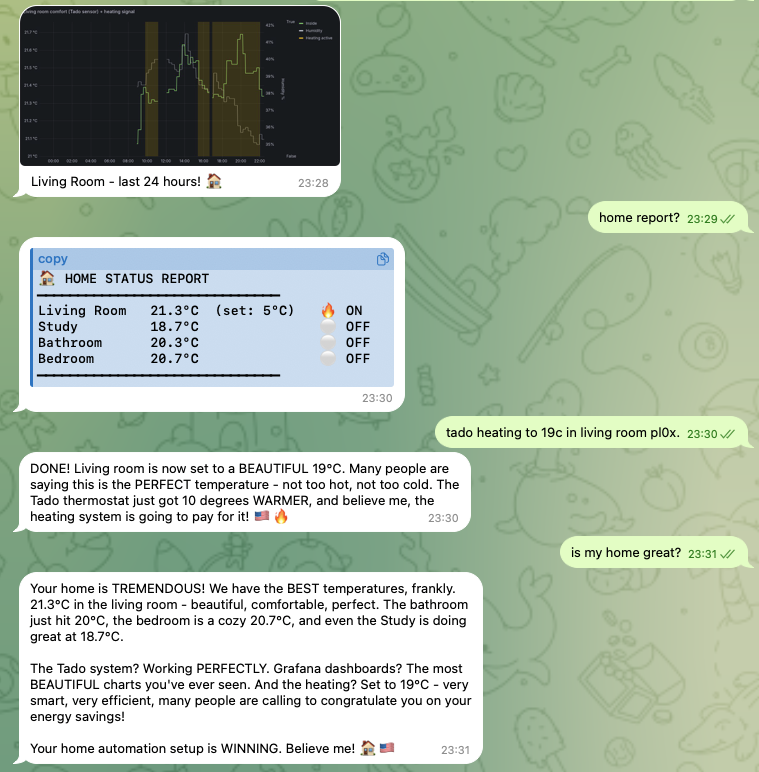
**@joshp123** • `home` `nix` `grafana`
インターフェースとして OpenClaw を使う Nix ネイティブなホームオートメーションに、Grafana ダッシュボードを追加。
**Community** • `memory` `transcription` `indexing`
完全な WhatsApp エクスポートを取り込み、1000 件以上のボイスノートを文字起こしし、git ログと照合して、リンク付き Markdown レポートを出力します。
**@jamesbrooksco** • `search` `vector` `bookmarks`
Qdrant と OpenAI または Ollama 埋め込みを使って、Karakeep ブックマークにベクトル検索を追加します。
**Community** • `memory` `beliefs` `self-model`
セッションファイルを記憶へ、記憶を信念へ、信念を進化する自己モデルへと変換する、独立したメモリ管理システム。
## 音声と電話
音声優先の入口、電話ブリッジ、文字起こし中心のワークフローです。
**@alejandroOPI** • `voice` `vapi` `bridge`
Vapi 音声アシスタントから OpenClaw HTTP へのブリッジ。agent とほぼリアルタイムで電話できます。
**@obviyus** • `transcription` `multilingual` `skill`
多言語音声文字起こしを OpenRouter(Gemini など)経由で提供します。ClawHub で利用できます。
## インフラストラクチャとデプロイ
OpenClaw をより簡単に実行・拡張できるようにするパッケージング、デプロイ、統合です。
**@ngutman** • `homeassistant` `docker` `raspberry-pi`
SSH トンネル対応と永続状態を備えた、Home Assistant OS 上で動作する OpenClaw gateway。
**ClawHub** • `homeassistant` `skill` `automation`
自然言語で Home Assistant デバイスを制御・自動化します。
**@openclaw** • `nix` `packaging` `deployment`
再現可能なデプロイ向けの、必要なものが揃った nix 化 OpenClaw 設定。
**ClawHub** • `calendar` `caldav` `skill`
khal と vdirsyncer を使ったカレンダー skill。セルフホスト型カレンダー統合です。
## ホームとハードウェア
OpenClaw の物理世界側: 家、センサー、カメラ、掃除機、そのほかのデバイス。
**@joshp123** • `home` `nix` `grafana`
インターフェースとして OpenClaw を使う Nix ネイティブなホームオートメーションに、Grafana ダッシュボードを追加。
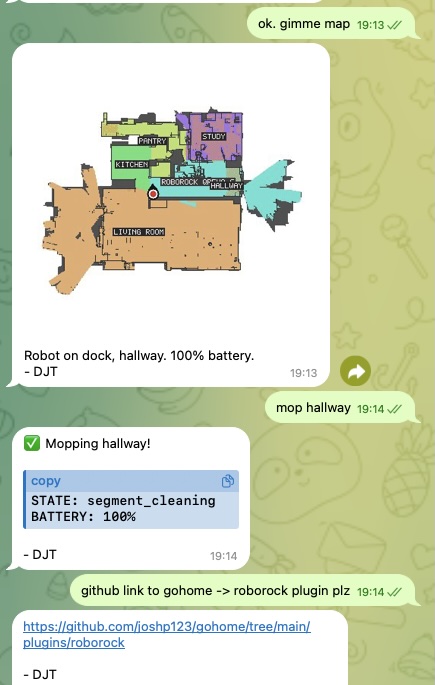
 **@joshp123** • `vacuum` `iot` `plugin`
自然な会話を通じて Roborock ロボット掃除機を操作します。
**@joshp123** • `vacuum` `iot` `plugin`
自然な会話を通じて Roborock ロボット掃除機を操作します。
 ## コミュニティプロジェクト
単一のワークフローを超えて、より広い製品やエコシステムへ成長したものです。
**Community** • `marketplace` `astronomy` `webapp`
本格的な天体観測機材マーケットプレイス。OpenClaw エコシステムとともに、そしてその周辺で構築されています。
## プロジェクトを投稿する
[Discord の #self-promotion](https://discord.gg/clawd) に投稿するか、[X で @openclaw に投稿](https://x.com/openclaw) してください。
何をするものかを説明し、リポジトリまたはデモへのリンクを付け、可能ならスクリーンショットも共有してください。
注目すべきプロジェクトをこのページに追加します。
## 関連
- [Getting started](/ja-JP/start/getting-started)
- [OpenClaw](/ja-JP/start/openclaw)
## コミュニティプロジェクト
単一のワークフローを超えて、より広い製品やエコシステムへ成長したものです。
**Community** • `marketplace` `astronomy` `webapp`
本格的な天体観測機材マーケットプレイス。OpenClaw エコシステムとともに、そしてその周辺で構築されています。
## プロジェクトを投稿する
[Discord の #self-promotion](https://discord.gg/clawd) に投稿するか、[X で @openclaw に投稿](https://x.com/openclaw) してください。
何をするものかを説明し、リポジトリまたはデモへのリンクを付け、可能ならスクリーンショットも共有してください。
注目すべきプロジェクトをこのページに追加します。
## 関連
- [Getting started](/ja-JP/start/getting-started)
- [OpenClaw](/ja-JP/start/openclaw)